The first month was about surviving. Now the work gets heavier, and the garden has to carry more of the load.
❤️ You made it through Month OneRestore up to +25 Health. Maximum Health remains 100.
🥗 Daily Food needs increasedMonth Two alternates between 1 and 2 Food per day — an average of 1.5 Food each day. From Month Three onward, daily Food need becomes 2.
🧺 The market is expandingMonth Two unlocks Beet, Cabbage, and Zucchini — plus Garden Fencing and Live Traps as larger vermin begin testing the garden.
📖 CHOOSE YOUR FIELD SPECIALTY
One permanent specialty for this run.
GAME OVERHealth reached 0. The garden run has ended.
0DAYS SURVIVED
0SUCCESSFUL HARVESTS
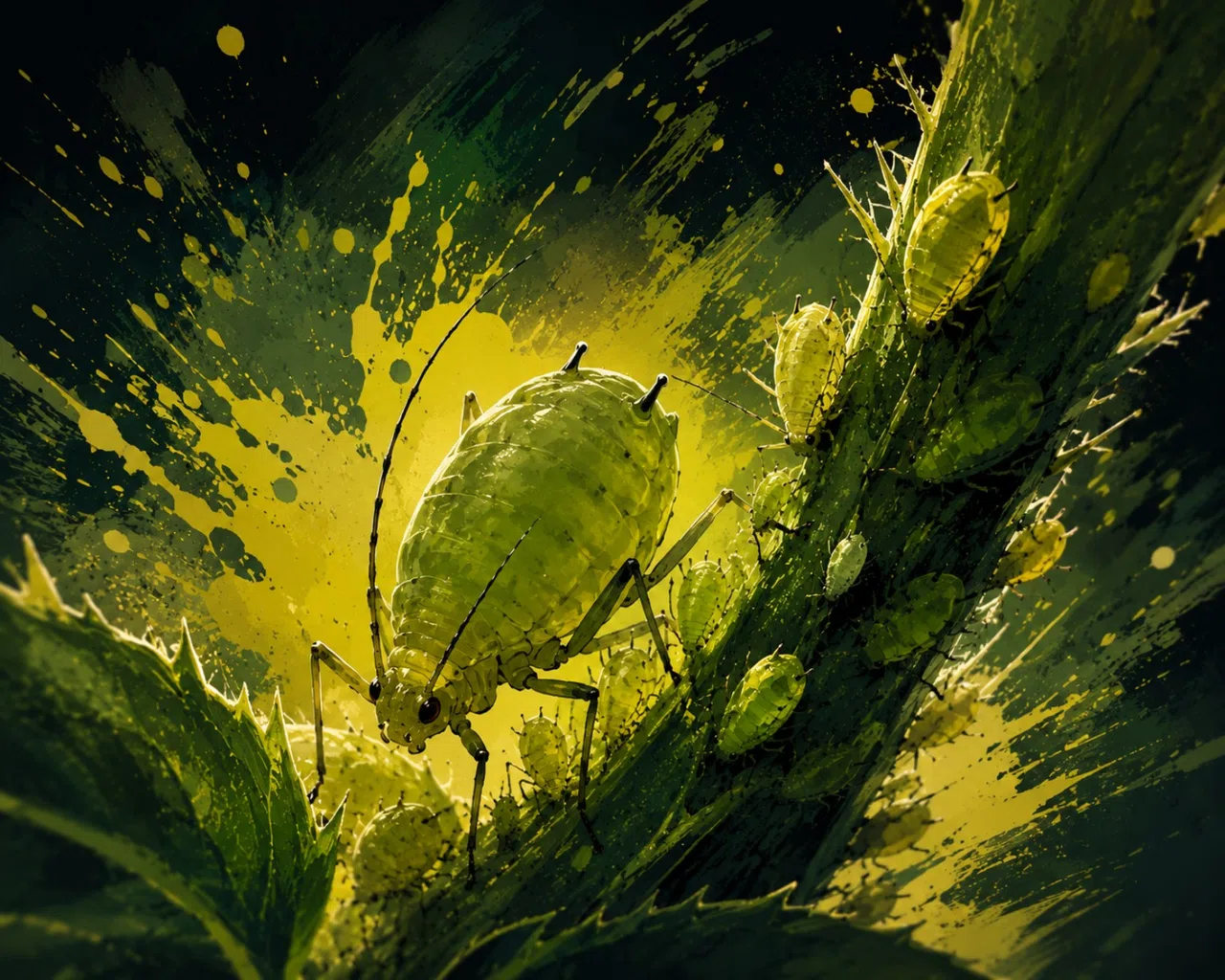
APHIDS
Sap-feeding insect · Field identification
Pest
Field Observations
Small, soft-bodied insects clustered around new growth. Activity is concentrated around tender stems and leaves.
Biology
🔒 Research Lv. 2
Further study is required before this entry can be completed.
Response
🔒 Research Lv. 3
Research practical responses to unlock treatment guidance.
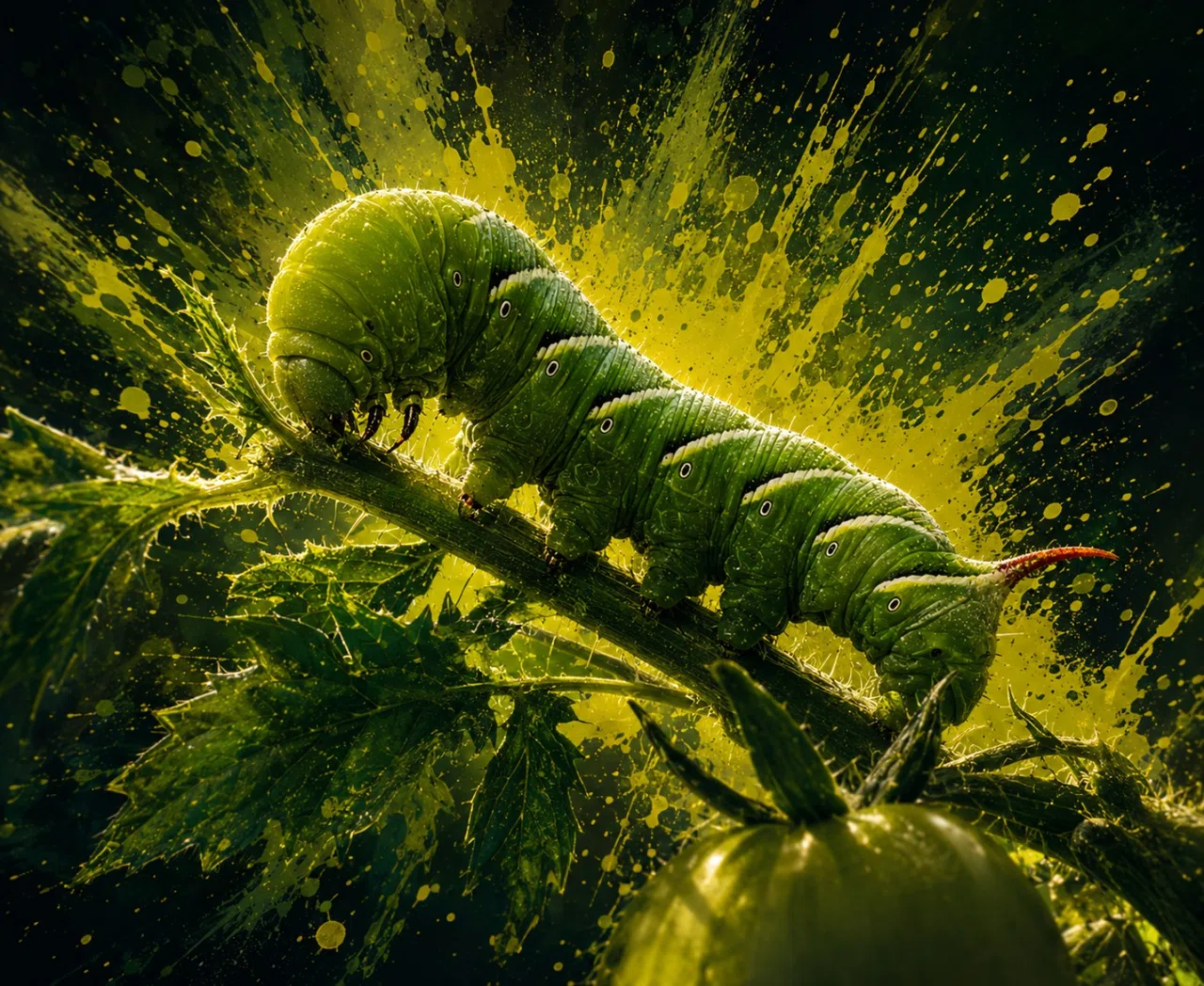
TOMATO HORNWORM
Horned caterpillar · Tomato foliage feeder
Pest
Field Observations
Large green caterpillar feeding along tomato stems and leaves. The angled pale stripes and rear horn make it distinctive once spotted.
Biology
🔒 Research Lv. 2
Further study is required before this entry can be completed.
Response
🔒 Research Lv. 3
Research practical responses to unlock treatment guidance.
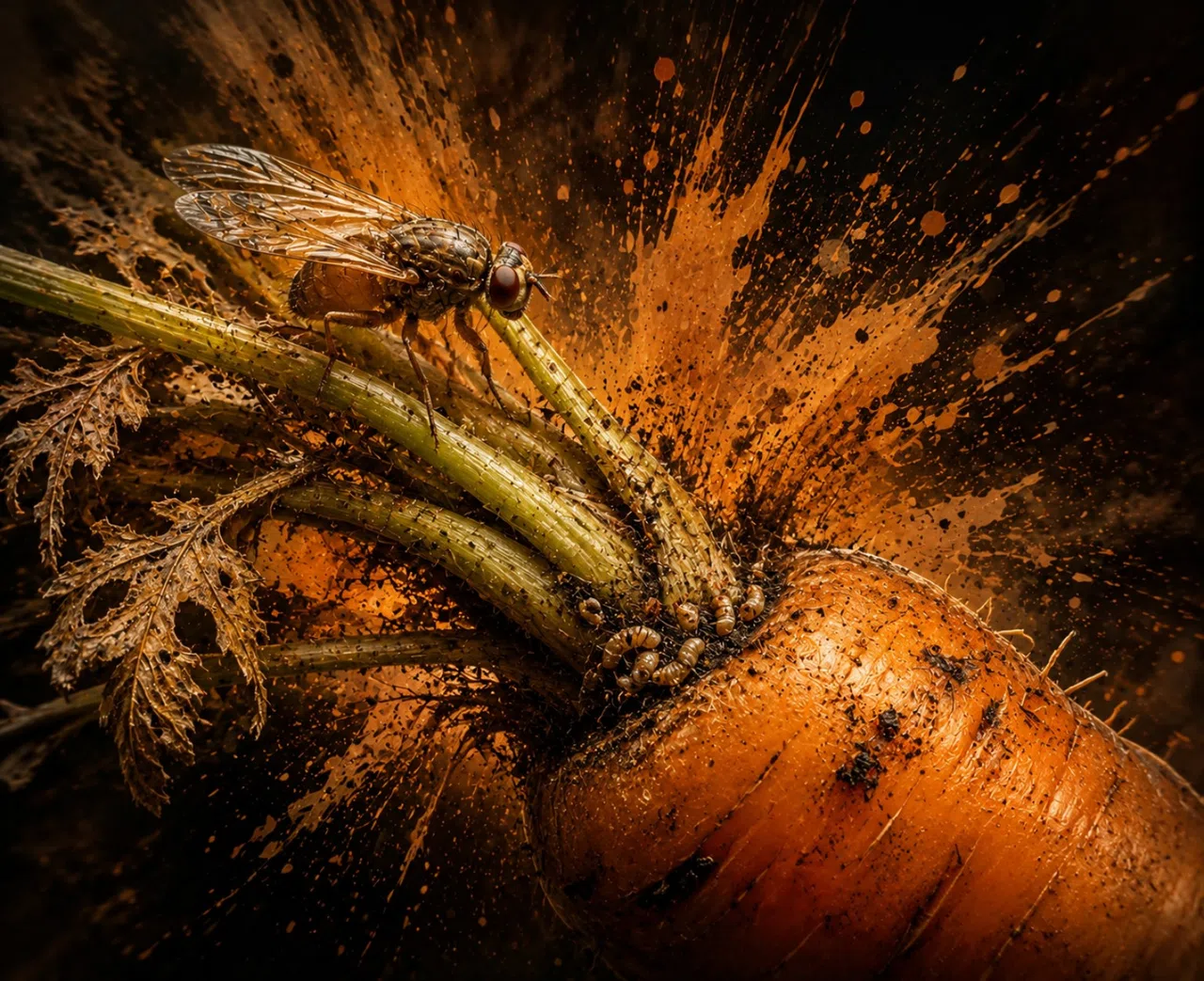
CARROT RUST FLY
Root-feeding pest · Carrot specialist
Pest
Field Observations
Small flies are appearing around carrot foliage. Feeding damage is associated with the root zone, where developing carrots are most vulnerable.
Biology
🔒 Research Lv. 2
Further study is required before this entry can be completed.
Response
🔒 Research Lv. 3
Research practical responses to unlock treatment guidance.
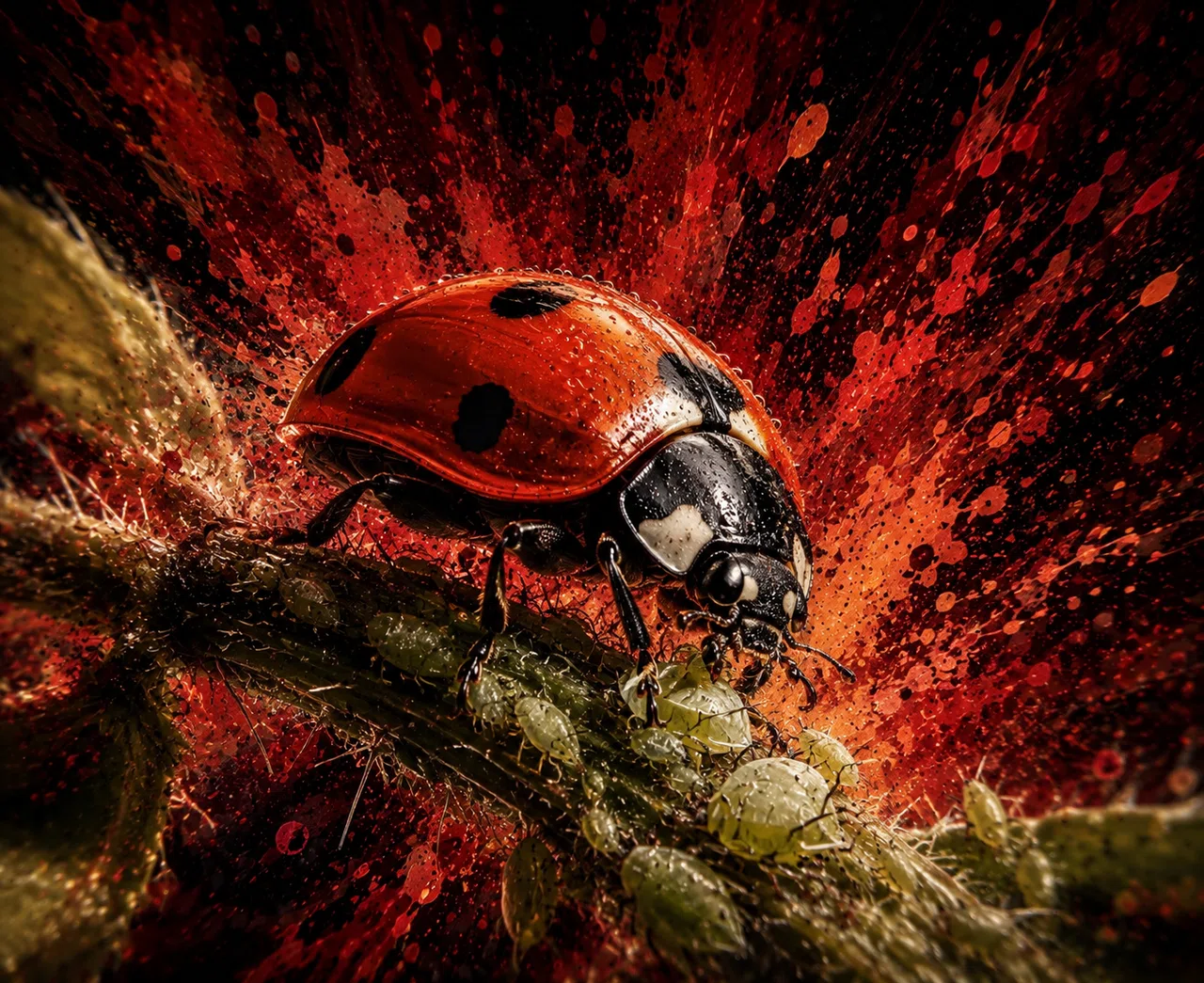
LADY BEETLE
Beneficial predator · Aphid hunter
Beneficial
Field Observations
A red-and-black beetle is moving through aphid colonies and feeding among the clustered insects. Its presence may indicate natural pest pressure is developing.
Biology
🔒 Research Lv. 2
Further study is required before this entry can be completed.
Ecological Role
🔒 Research Lv. 3
Research its garden interactions to understand how this predator can affect pest populations.
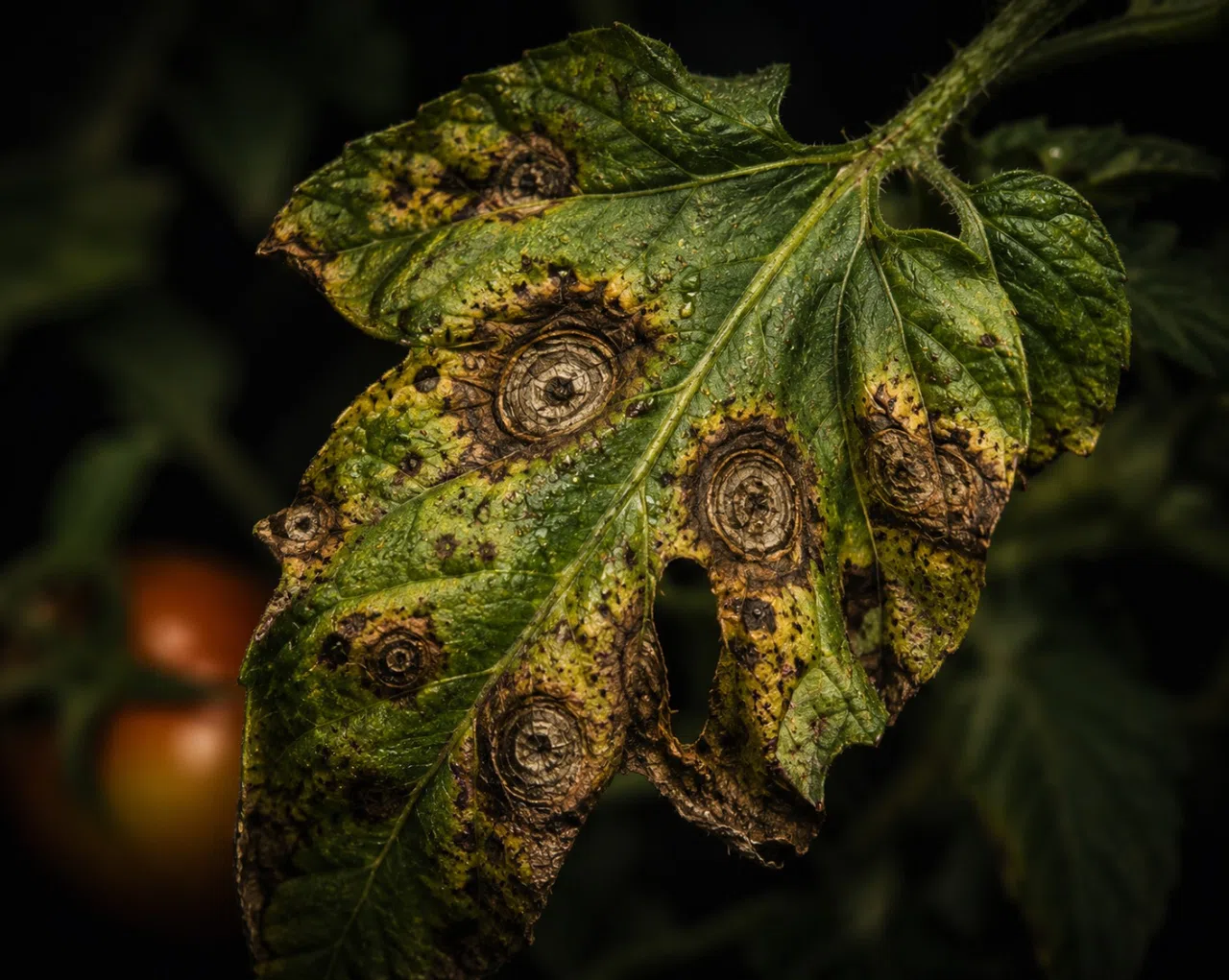
EARLY BLIGHT
Tomato disease · Leaf-spot infection
Disease
Field Observations
Older tomato leaves show dark brown lesions with distinctive concentric rings. Yellowing develops around damaged tissue as lesions expand.
Biology
🔒 Research Lv. 2
Further study is required before this entry can be completed.
Management
🔒 Research Lv. 3
Research disease management to learn how conditions and treatment affect this infection.
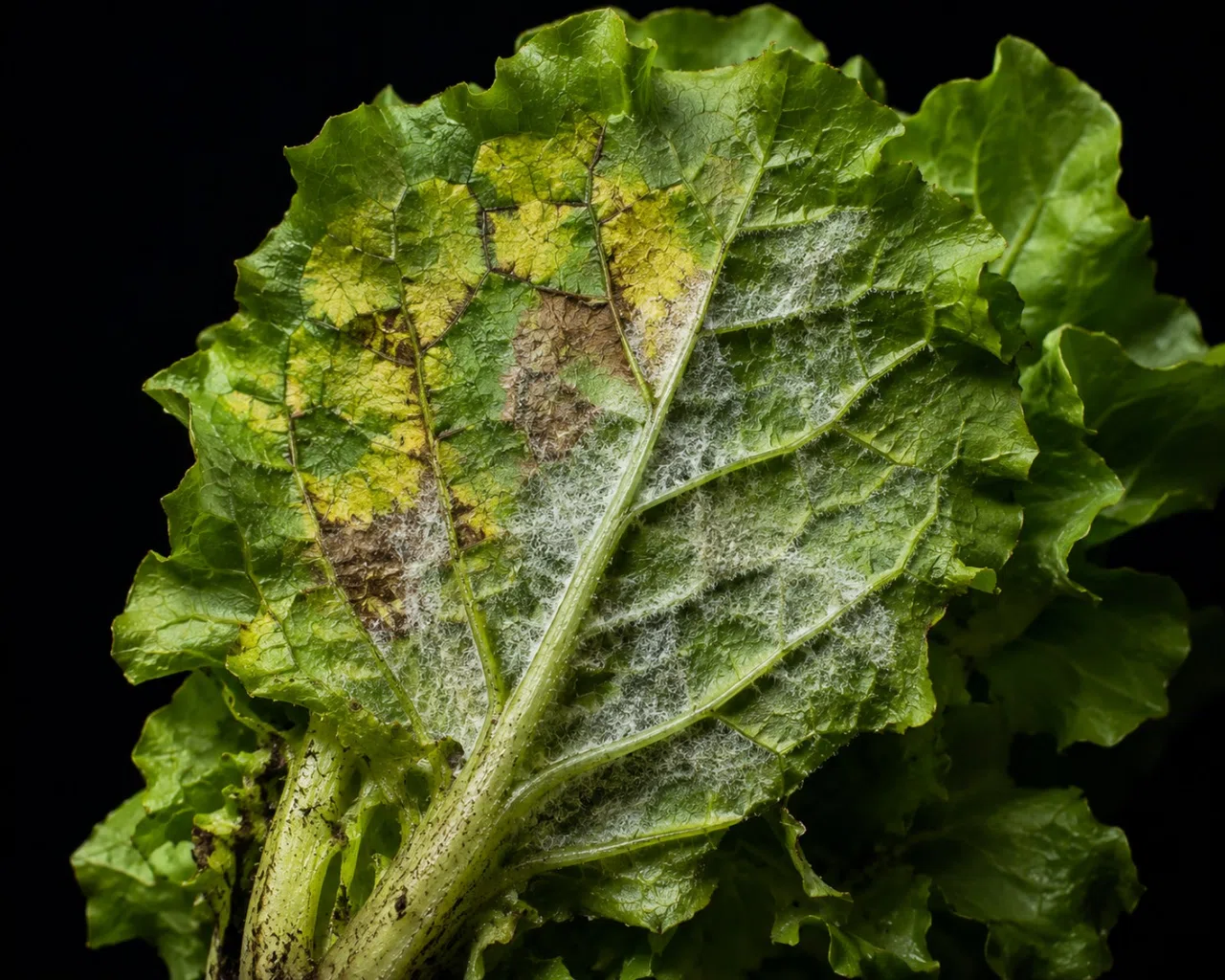
DOWNY MILDEW
Lettuce disease · Moisture-favored infection
Disease
Field Observations
Lettuce foliage develops pale yellow patches and damaged brown tissue. Whitish, downy growth can appear across affected leaf surfaces.
Biology
🔒 Research Lv. 2
Further study is required before this entry can be completed.
Management
🔒 Research Lv. 3
Research disease management to learn how conditions and treatment affect this infection.
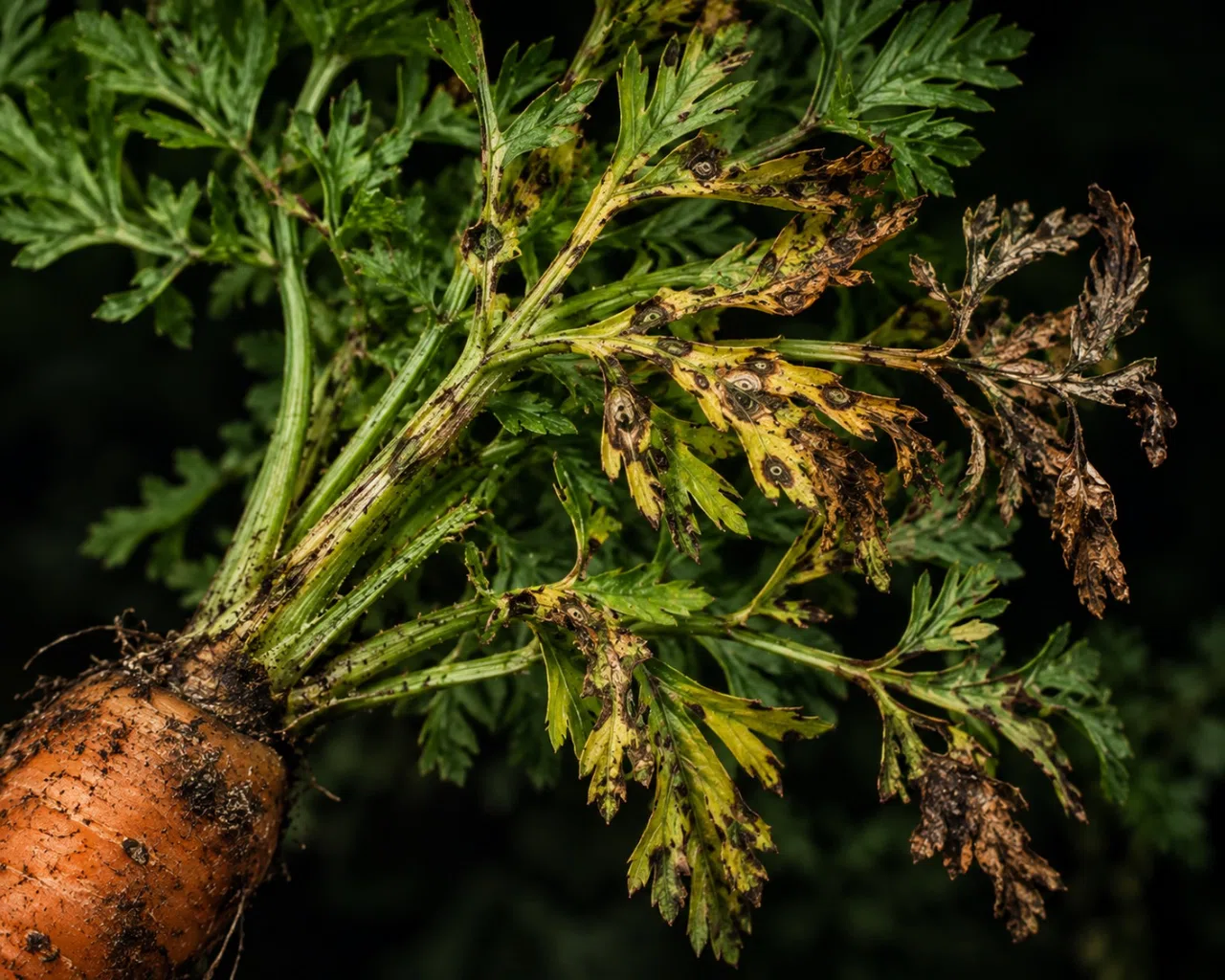
ALTERNARIA LEAF BLIGHT
Carrot disease · Foliage blight
Disease
Field Observations
Carrot foliage develops dark lesions with surrounding yellowing. Damaged leaflets progressively brown, curl, and dry as blight advances.
Biology
🔒 Research Lv. 2
Further study is required before this entry can be completed.
Management
🔒 Research Lv. 3
Research disease management to learn how conditions and treatment affect this infection.
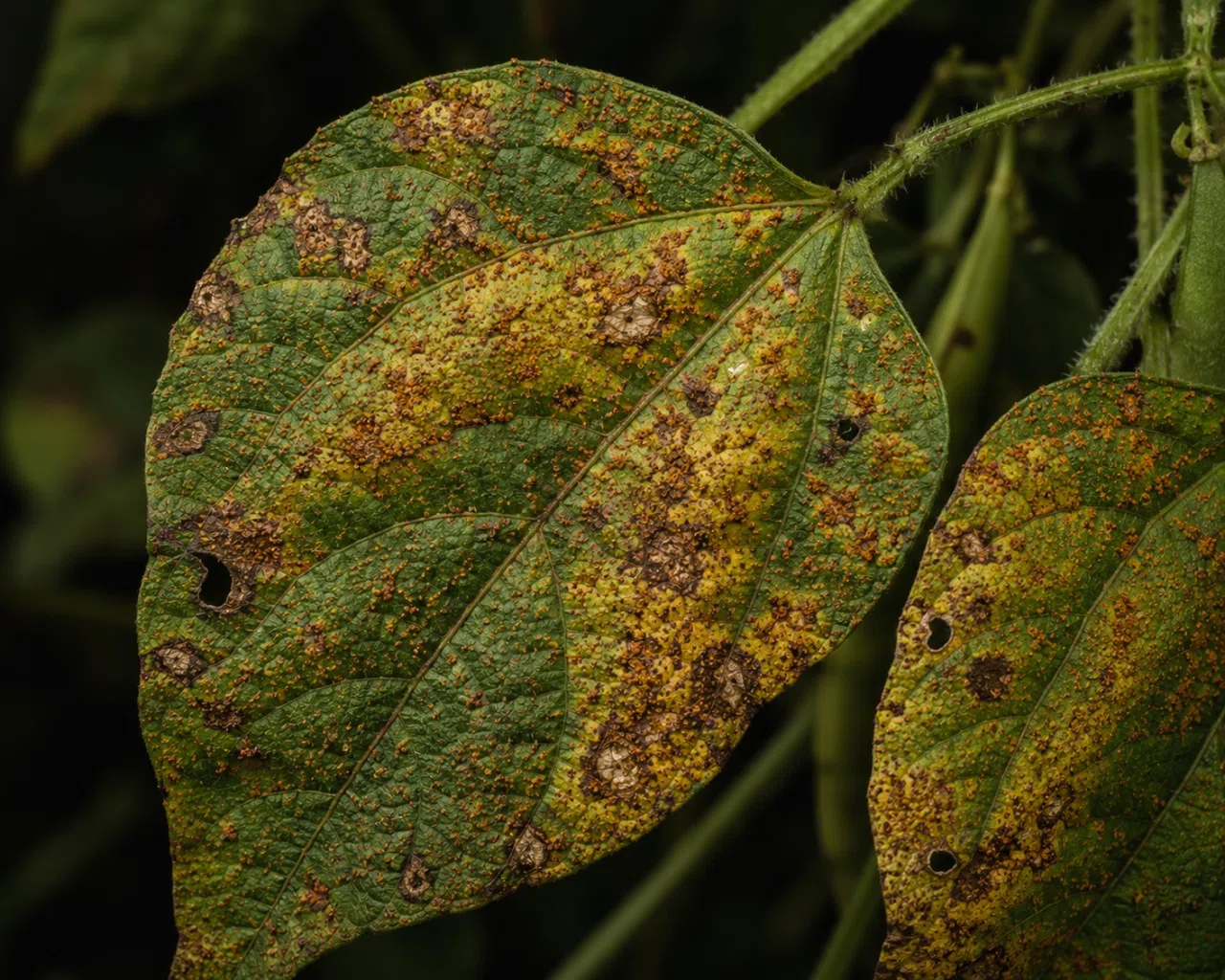
BEAN RUST
Bean disease · Rust infection
Disease
Field Observations
Bean leaves are peppered with raised orange-brown pustules. Yellowing and dead patches become more obvious as the infection progresses.
Biology
🔒 Research Lv. 2
Further study is required before this entry can be completed.
Management
🔒 Research Lv. 3
Research disease management to learn how conditions and treatment affect this infection.
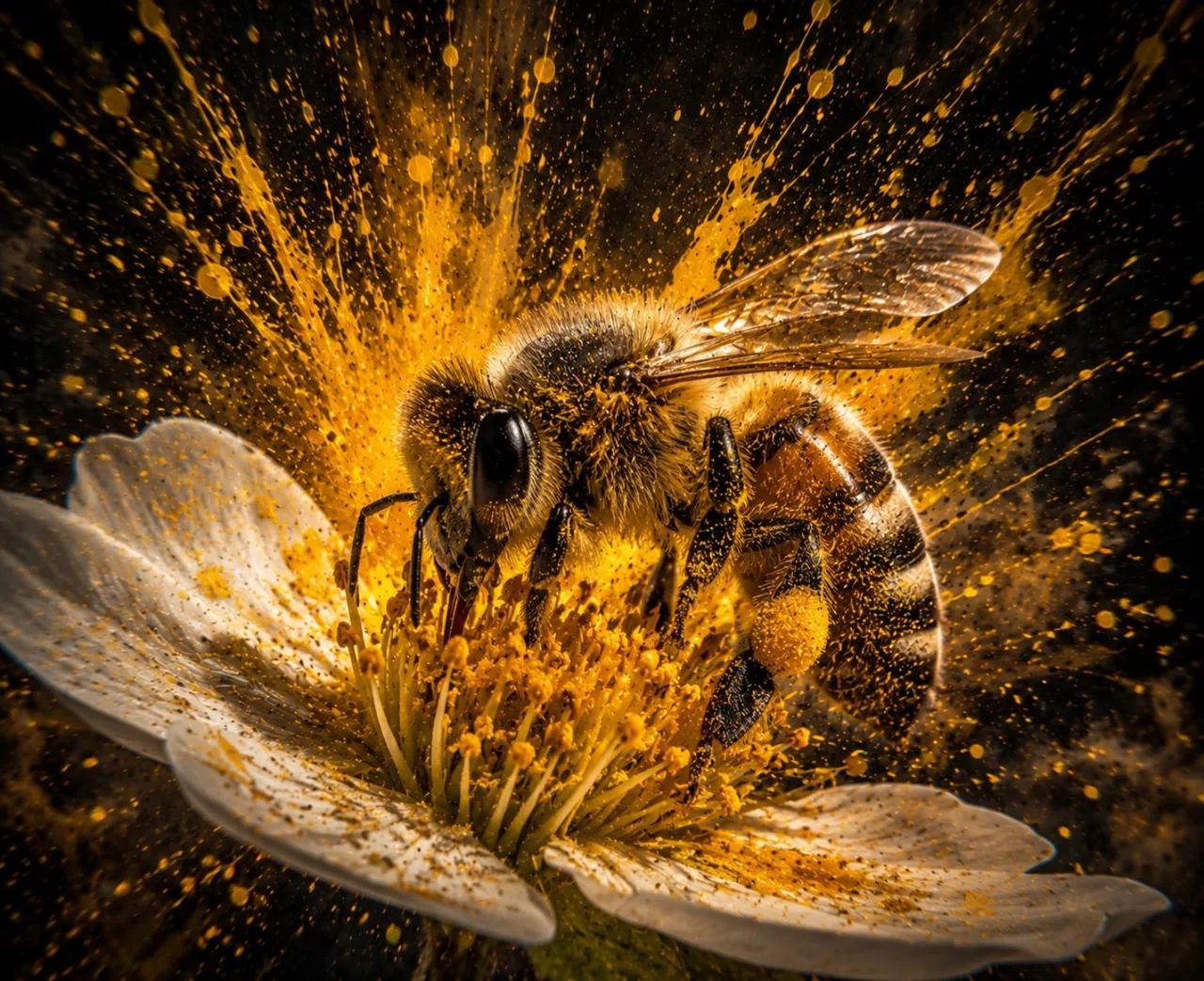
BEE POLLINATOR
Beneficial visitor · Flower pollinator
Beneficial
Field Observations
A bee is moving between open flowers, collecting pollen as it feeds. Repeated visits may improve pollination in flowering crops.
Biology
🔒 Research Lv. 2
Further study is required before this entry can be completed.
Ecological Role
🔒 Research Lv. 3
Research its garden interactions to understand how pollinator visits can affect crop yield.
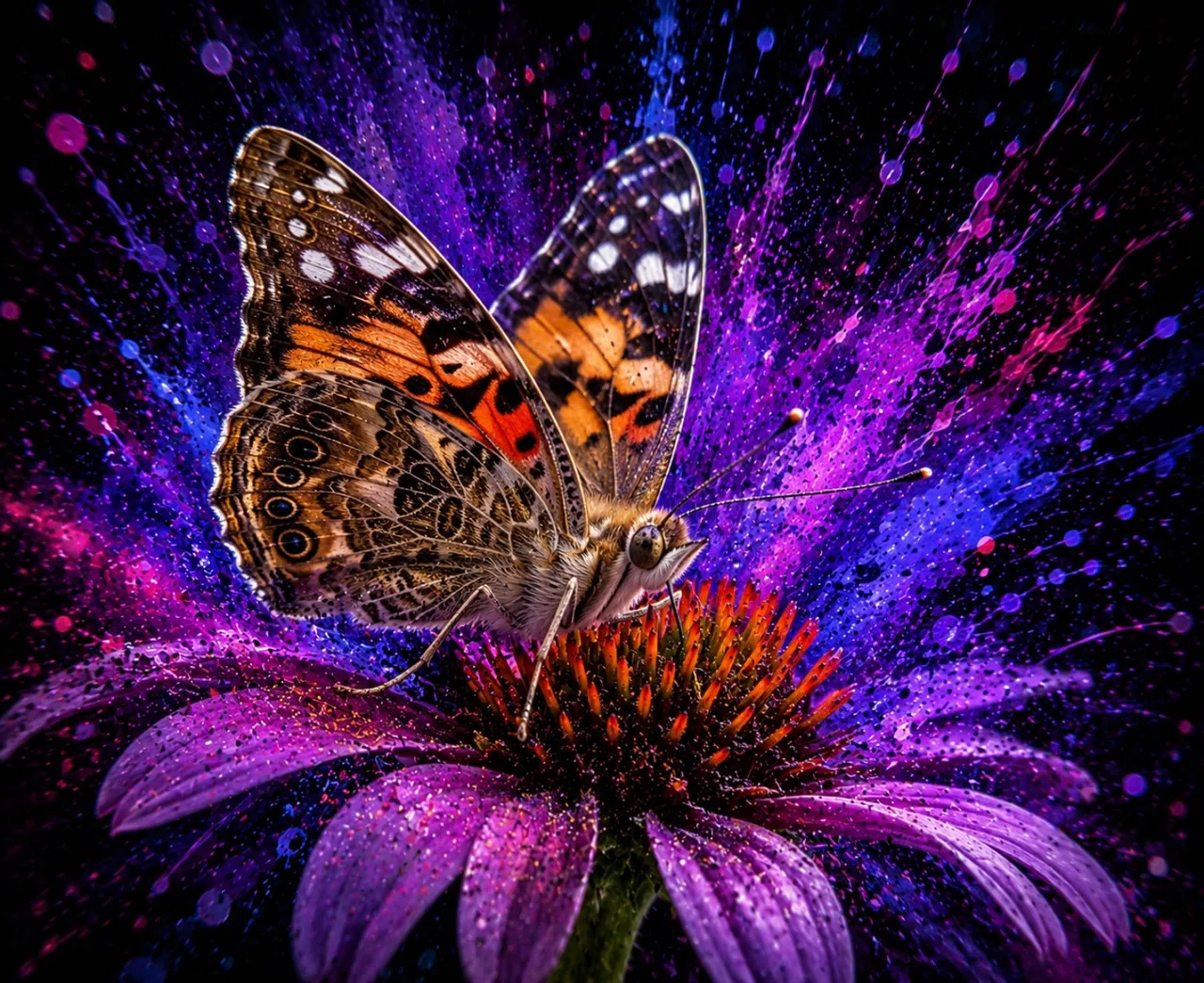
BUTTERFLY POLLINATOR
Beneficial visitor · Flower pollinator
Beneficial
Field Observations
A butterfly is visiting exposed blossoms and feeding at the flowers. Its movement between blooms may contribute to pollination.
Biology
🔒 Research Lv. 2
Further study is required before this entry can be completed.
Ecological Role
🔒 Research Lv. 3
Research its garden interactions to understand how pollinator visits can affect crop yield.
D-pad normally moves. Tap Scale X or Scale Y and the D-pad switches to SCALE:
←/→ changes X scale, ↓/↑ changes Y scale.
Selected element movement: X 0 px · Y 0 px
Pick an element, then drag it directly on the board or type exact values.
Scale X/Y changes the sprite size without changing the underlying box.
Width/Height can be used for extra stretching. Settings auto-save in this browser. “Save Current HTML” downloads a self-contained copy with your current editor settings embedded, ready to attach back to ChatGPT.
DEVELOPMENT ENVIRONMENTFOCUS B1
Focus values are stored separately from Overview.
Each production bed has its own Focus settings. Changes auto-save and now survive reloads. Export Focus JSON when you want to send the current layout.
🔥
SURVIVAL EVENT
Heat Wave
🧪 Force Next Survival Event
Testing only — normal event odds remain unchanged unless you choose one here.
Hitbox LayoutP1
Green = production · Blue = irrigation · Yellow = companion. Select a hitbox, then drag it directly on the garden or use the fine controls. Resize with the controls. IDs preserve gameplay row/column logic regardless of visual position. B1/B3 save independently; B2/B4 mirror their matching master.
Focus Dev Editor
Selector
Cell Hitboxes: P1–P9 green outlines are the actual gameplay touch pads.
Drag them directly or use Move/Width/Height. The readout reports the final
effective touch rectangle after the 35% production enlargement.
Crosshair Reticle: edits the actual little green crosshair/corner-bracket reticle.
Its X/Y offset and width/height are independent from all touch hitboxes.
Select a production cell first to see the reticle while tuning it.
Overview Layout
Select BOARD, companion, irrigation, or any of the 36 Overview plant-cell hitboxes.
Move in 1% steps, resize in 0.5% steps, or drag the selected target directly. Plant cells are
individually adjustable and saved independently into Backup Save JSON. Focus View remains untouched.
Overview Plant Sprites
Purple = visual sprite anchor. Gold = gameplay plant hitbox reference. Move 1%; resize 0.5%. Preview crop/stage is editor-only. Focus View is untouched.
Overview Utility Geometry
Cyan = gameplay hitbox. Purple = future sprite anchor. Move 1%; resize 0.5%. Berry anchors are reserved for bush growth in the barrel; compost anchors are reserved for future mushroom visuals. Focus View untouched.
Focus Berry + Compost
Cyan = gameplay hitbox. Purple = sprite anchor. Utility geometry is independent from plant cells, irrigation and companion structures.
SIX-MONTH GROWING SEASON
SEASON COMPLETE
Spring became summer, summer gave way to autumn, and the homestead made it through the official 168-day season.
168Days Survived
0Successful Harvests
$0Ending Money
0Events Survived
0Rare Lines Held
0Seeds in Bank
Official run complete. Continue Garden keeps this exact homestead and enters post-season Endless play. Endless days are intentionally outside the six-month campaign balance.
Special Event
Spring
Offer
🍎🥧
Apple Bottom portrait slot
APPLE BOTTOM
Orchard Baker
🥧 Fresh Apple Pie · +3 Food
Special Event
MILO BRAMBLEWICK
Potion Maker
“Four bottles, four possibilities, and at least three of them are excellent ideas.”
“Guaranteed to probably work.” · 92% reliability
ONE POTION · ONE PLANT · ONE PURCHASE THIS VISIT
Milo Bramblewick
WHOOPS.
Potion Maker
“Huh. That usually does considerably more.”
The potion fizzled.
🧪 MILO'S POTION IS READY
Select a planted crop, then apply the potion. It remains yours until you choose a valid target.
Select a plant.
Special Event
LUCIEN ROUX
Rare Seed Merchant
“I thought you might appreciate something uncommon.”